Process
*It is recommended to upload videos that are at least 35 seconds long.
- 1
Copy the audio directory from Creward.
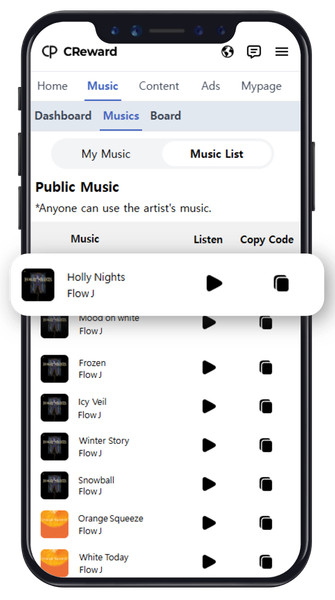
- 2
Open the YouTube app and tap the "+" button at the bottom.
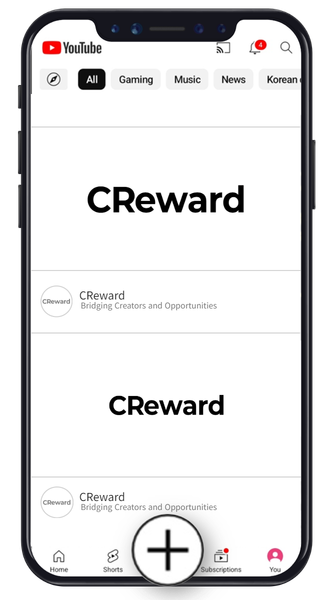
- 3
Select the video you want to upload and tap "Add Sound."
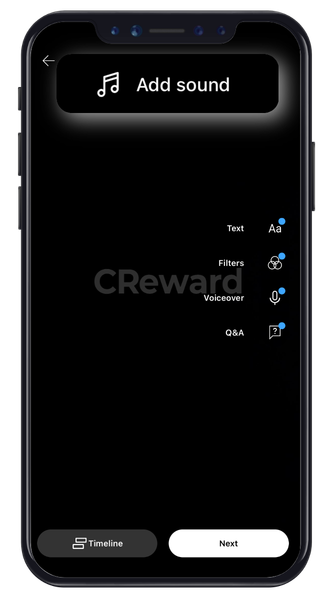
- 4
Paste the copied music directory in the search bar.
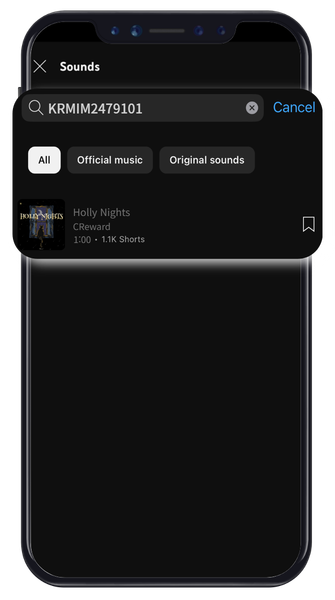
- 5
Tap the check button at the bottom right.
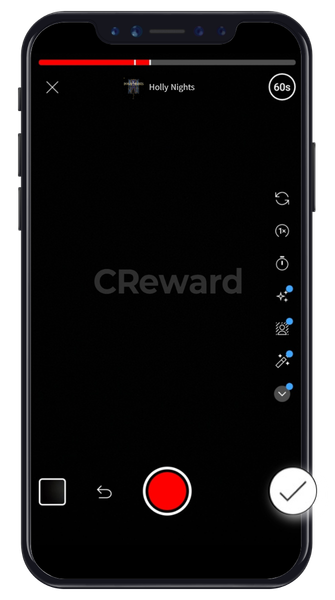
- 6
Tap the volume icon at the top right.
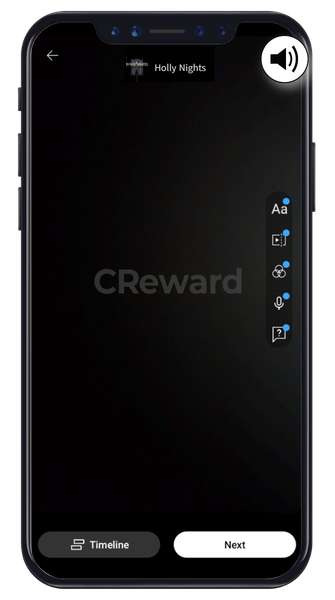
- 7
Set the volume so the audio is clearly audible (revenue cannot be measured if it's inaudible)
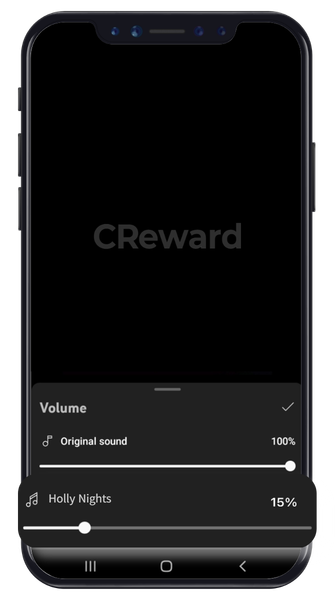
- 8
Add details for your video and upload it.
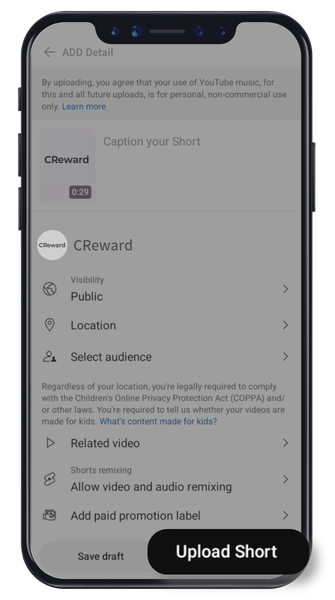
CReward
YP Lab Inc.
Business Registration : 655-81-03655
Address : 101-613, 6F, Pinpoint Tower, 661 Gyeongin-ro, Guro-gu, Seoul, Republic of Korea
Contact : [email protected]